
A lighter way to search the past
Find the post.
Skip the scroll.
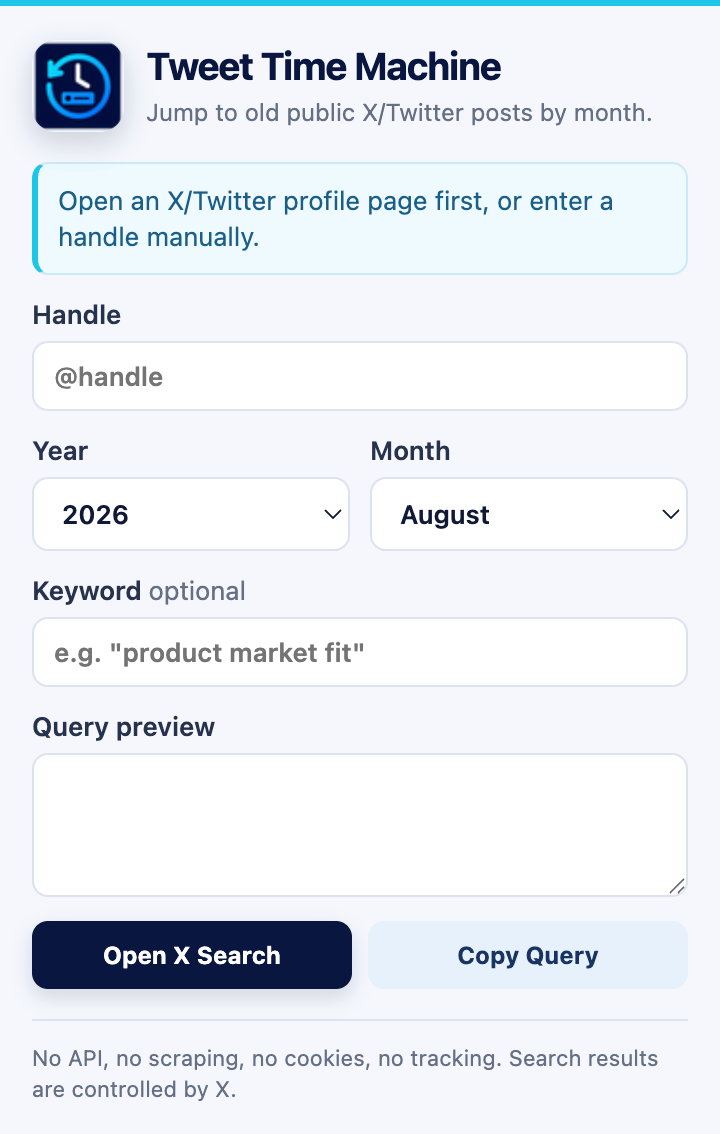
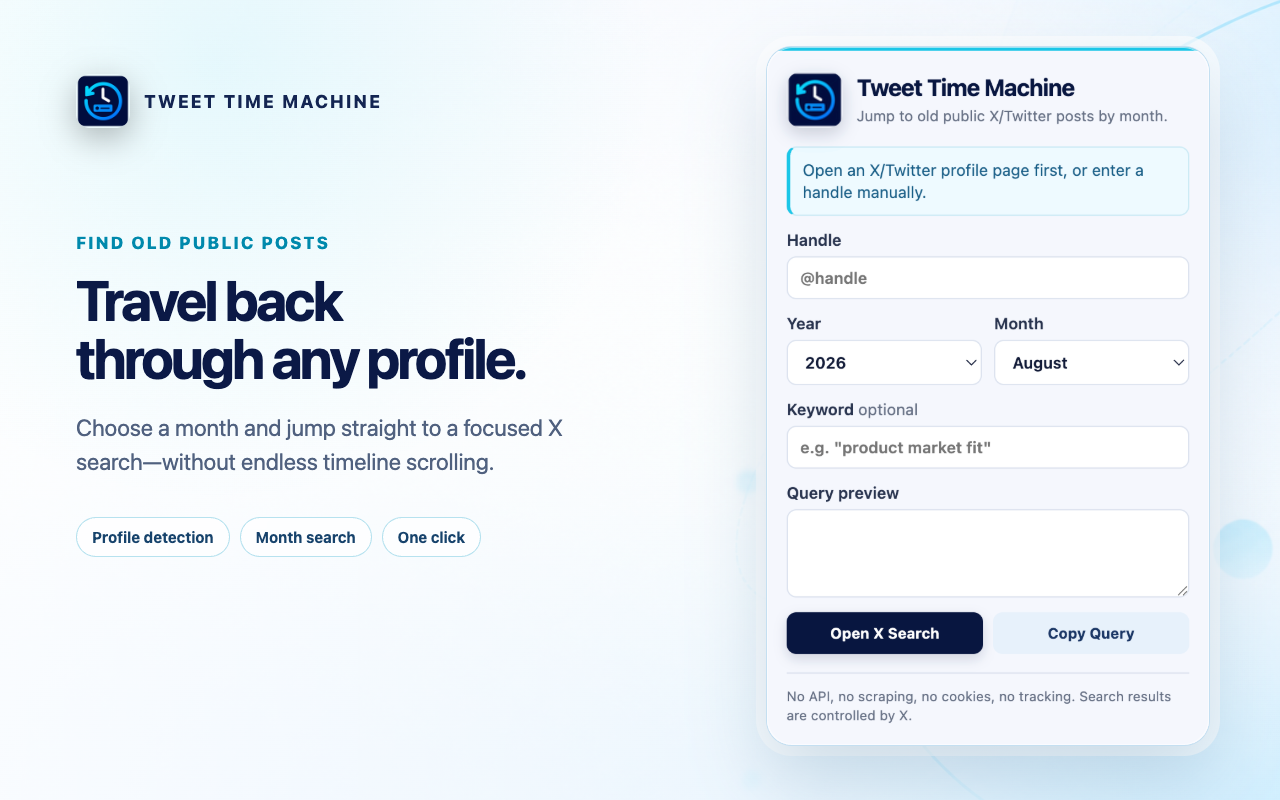
Pick a public profile, choose a month, and add an optional keyword. Tweet Time Machine builds the X search query for you.
No API · No scraping · No cookies · No tracking
Three small steps
From profile to past post in seconds.
-
01
Open a profile
The extension detects the current public X/Twitter handle, or you can enter one manually.
-
02
Choose a month
Select any year from 2006 onward and a month. Date boundaries are calculated automatically.
-
03
Open the search
Preview the generated query, copy it, or open live X search results in a new tab.
Built for focus
Advanced search syntax, without the memorizing.
- Profile detectionWorks on supported x.com and twitter.com profile URLs.
- Month-safe datesUses the first day of the next month to avoid date-length mistakes.
- Keyword precisionPreserves quoted phrases exactly as you type them.
- Useful fallbackCopy the raw query whenever you want to inspect or reuse it.
Private by design
Your search stays yours.
Tweet Time Machine reads the active tab URL only after you click the extension icon. It processes the URL and your inputs locally, then opens the search only when you ask it to.
Read the privacy policyA clear limitation
Tweet Time Machine generates searches. X controls the results.
It cannot recover deleted, private, or protected posts, and it does not guarantee complete historical coverage. It is an independent tool and is not affiliated with or endorsed by X Corp.